How to Approve Business and event Listings
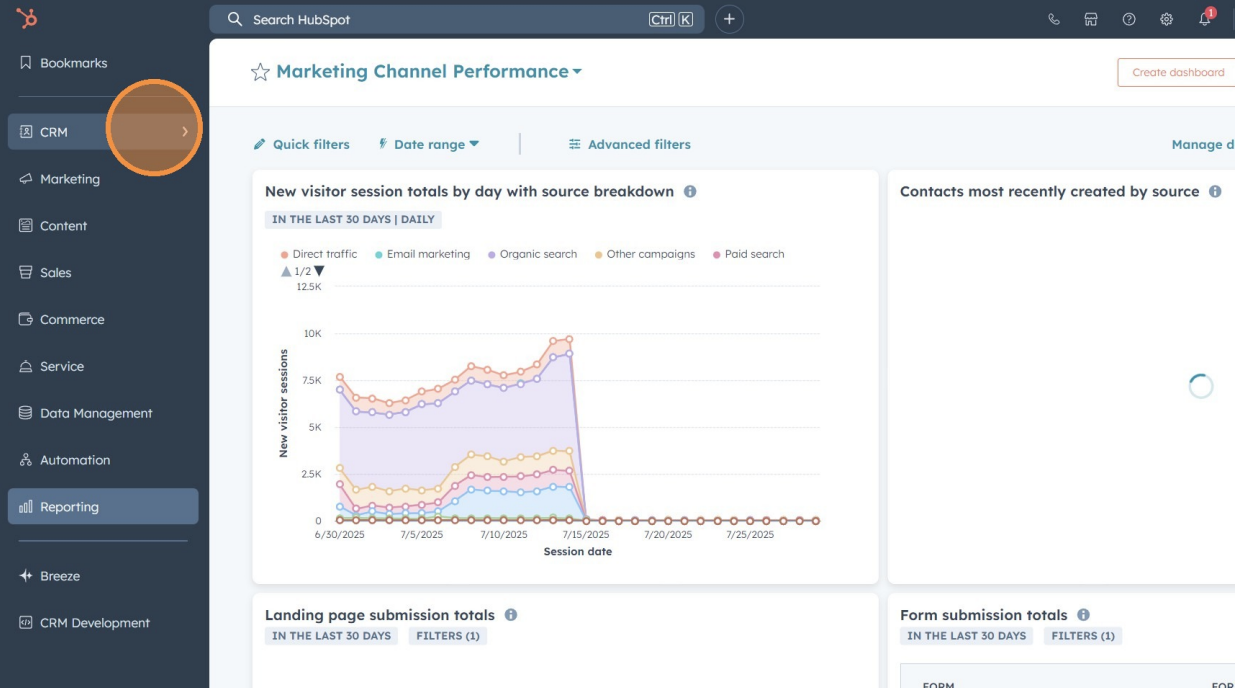
1. Click "CRM
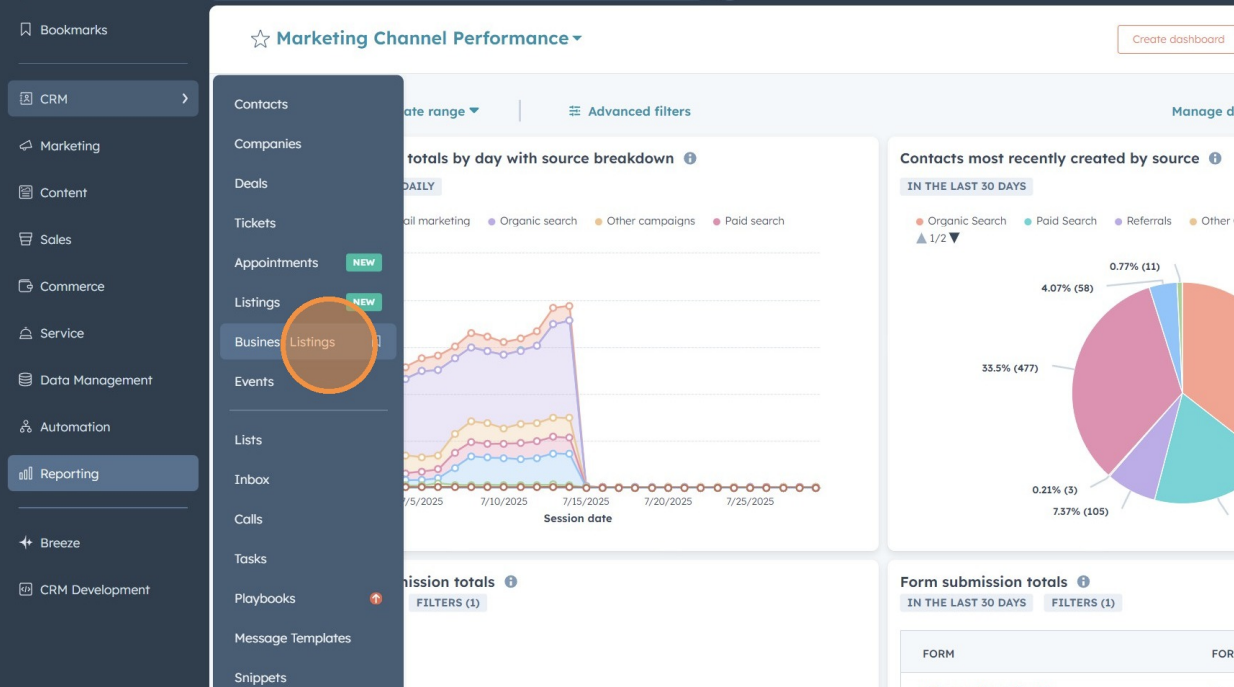
2. Click "Business Listings" or "events"
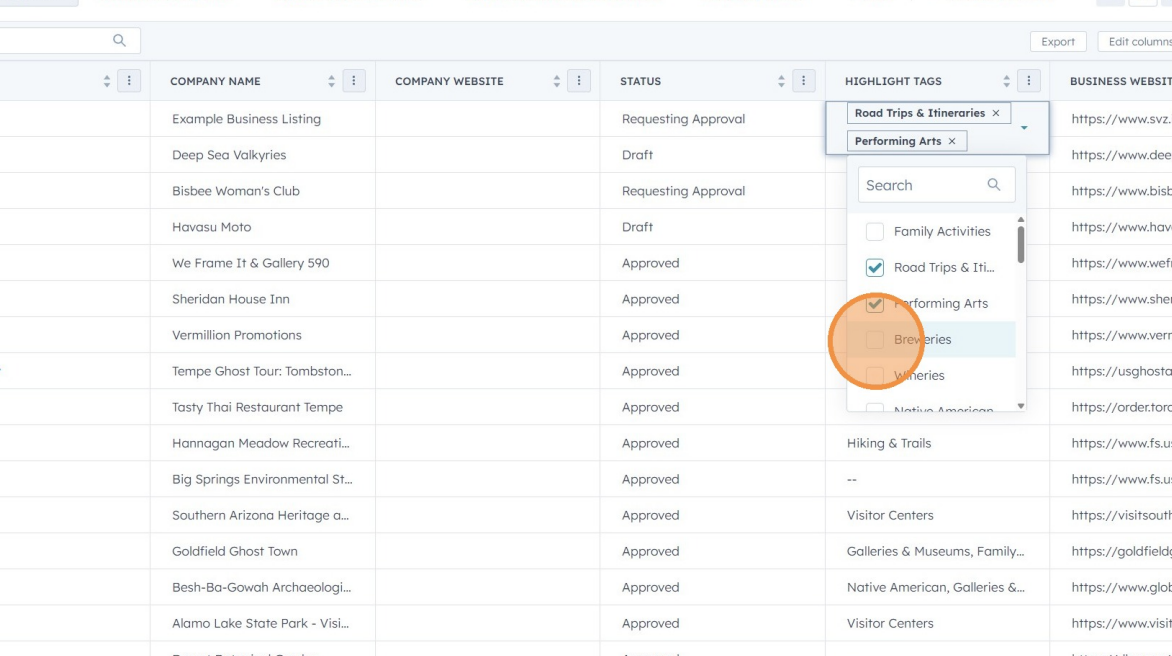
3. Click the "Highlight Tags" column
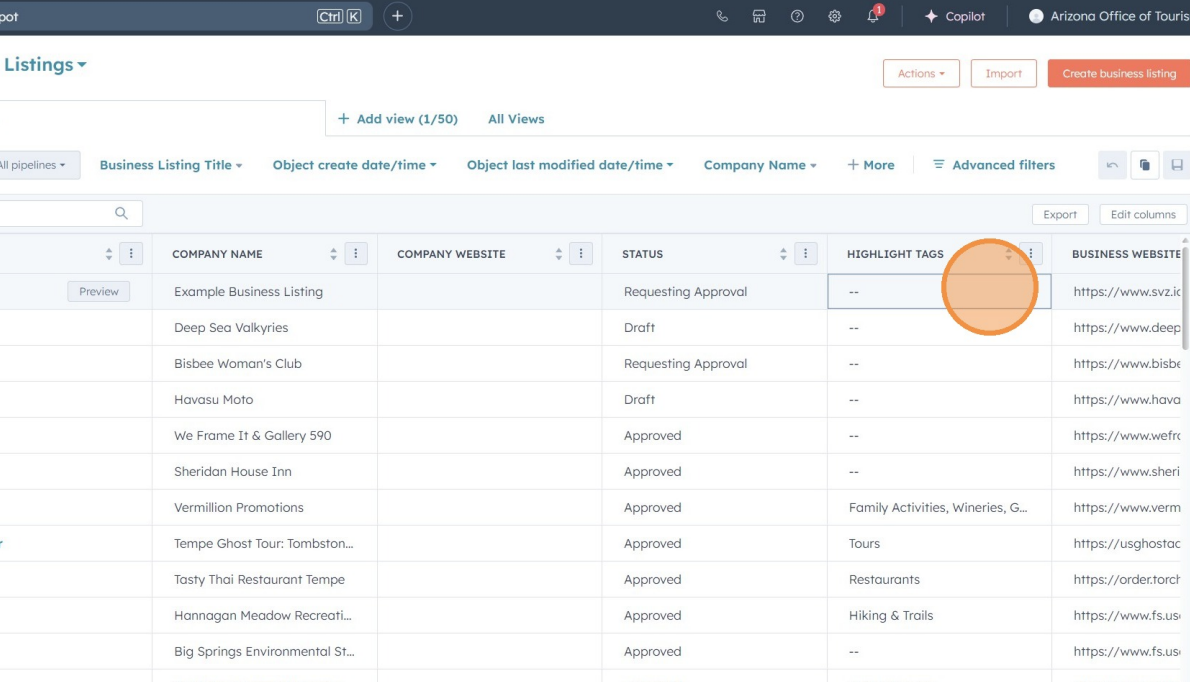
4. Select all relevant highlight tags
Note: Categories are assigned automatically based on highlight tags. For a detailed explanation of how highlight tags correspond to categories, refer to this document.
5. (Optional) Add amenities to events, such as a season name or labels like “Uniquely Arizona.”

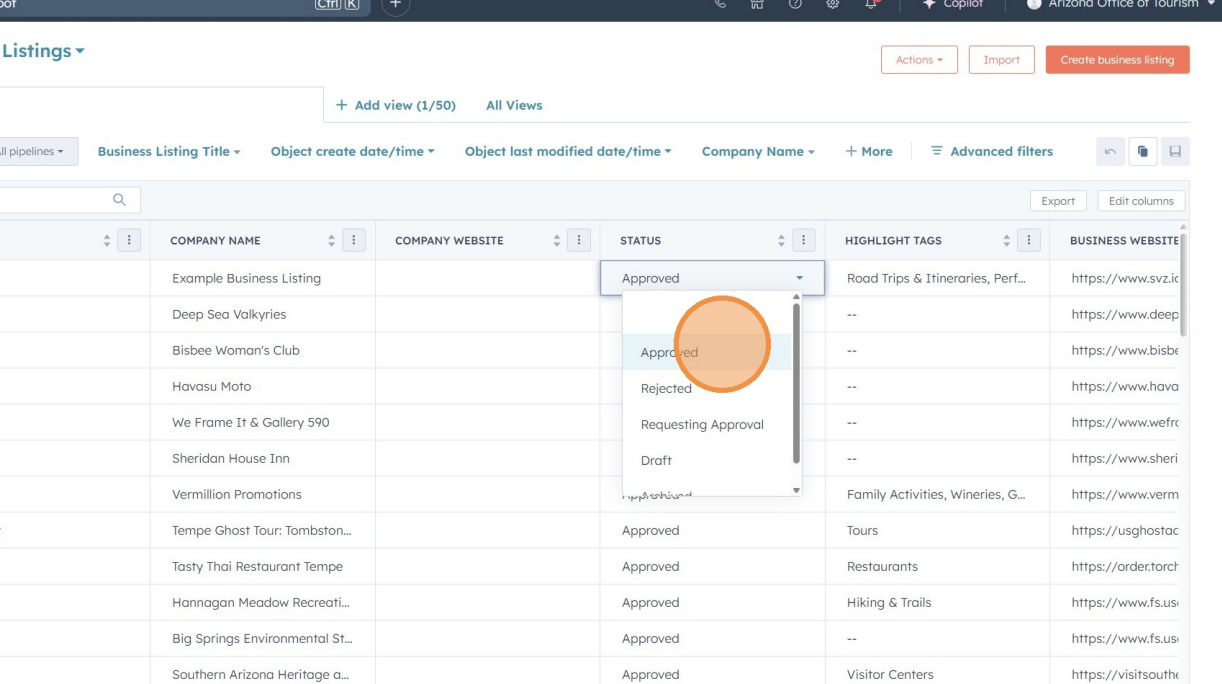
6. Click the "Status" column
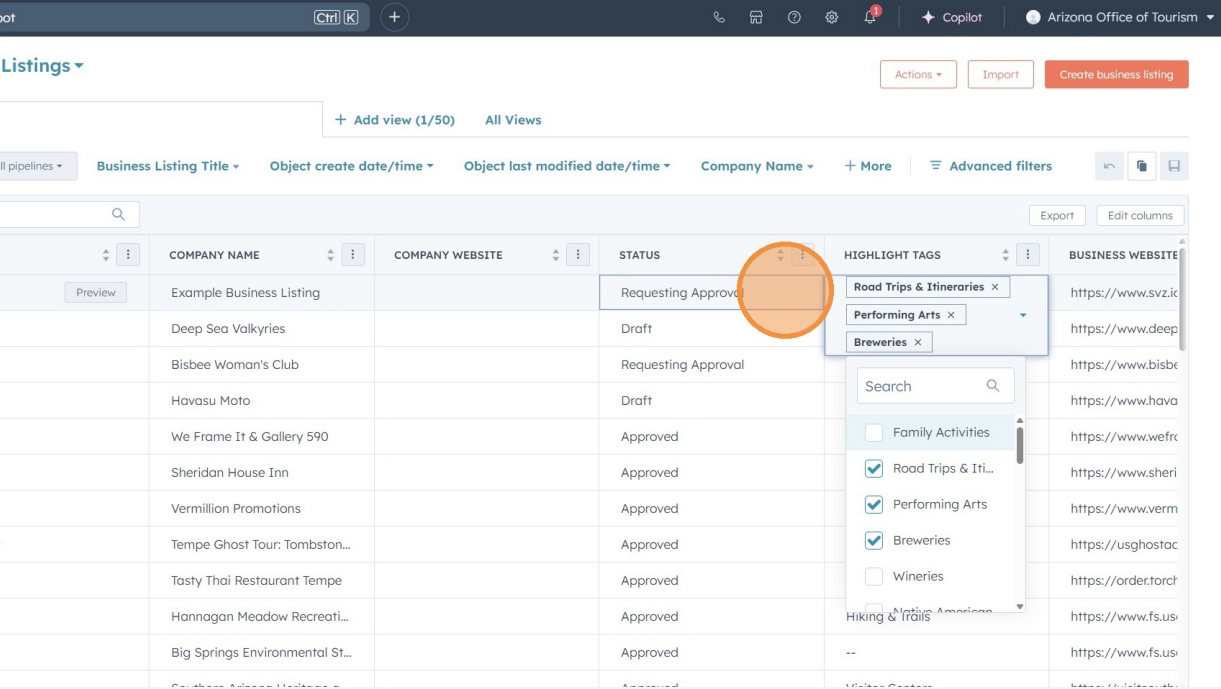
7. Click "Approved" to publish the listing